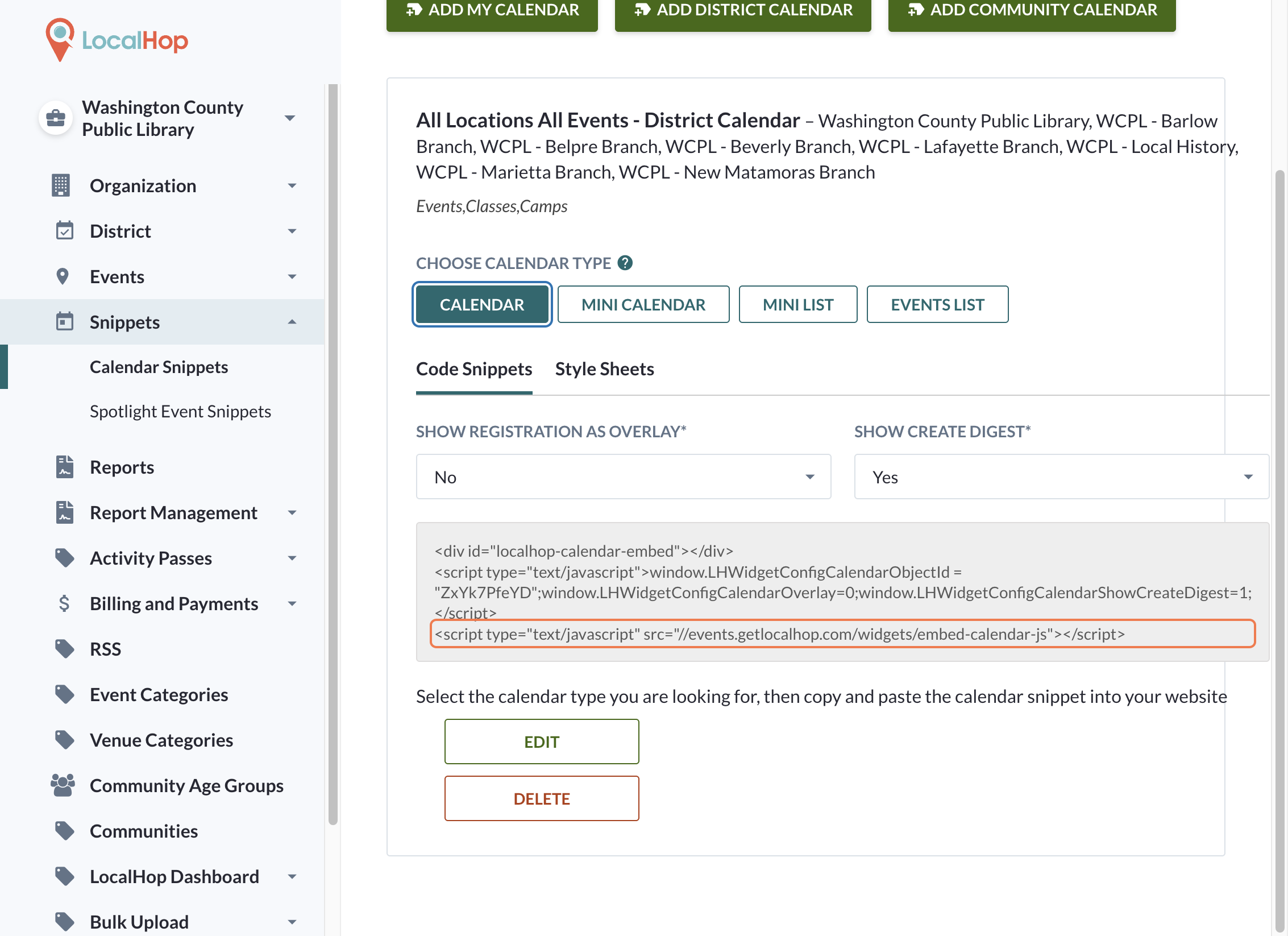
Add District Calendar in LocalHop
Step 1:
Log into your admin portal. Note that only admins with Super Admin permissions will have access to snippets. District calendars are only available to organizations with multiple locations. (If you have multiple branches/locations but do not have access to a district calendar, please reach out to help@getlocalhop.com) Finally, note that in most cases, district calendars can only be added to the parent organization and NOT from a specific branch.
Step 2:
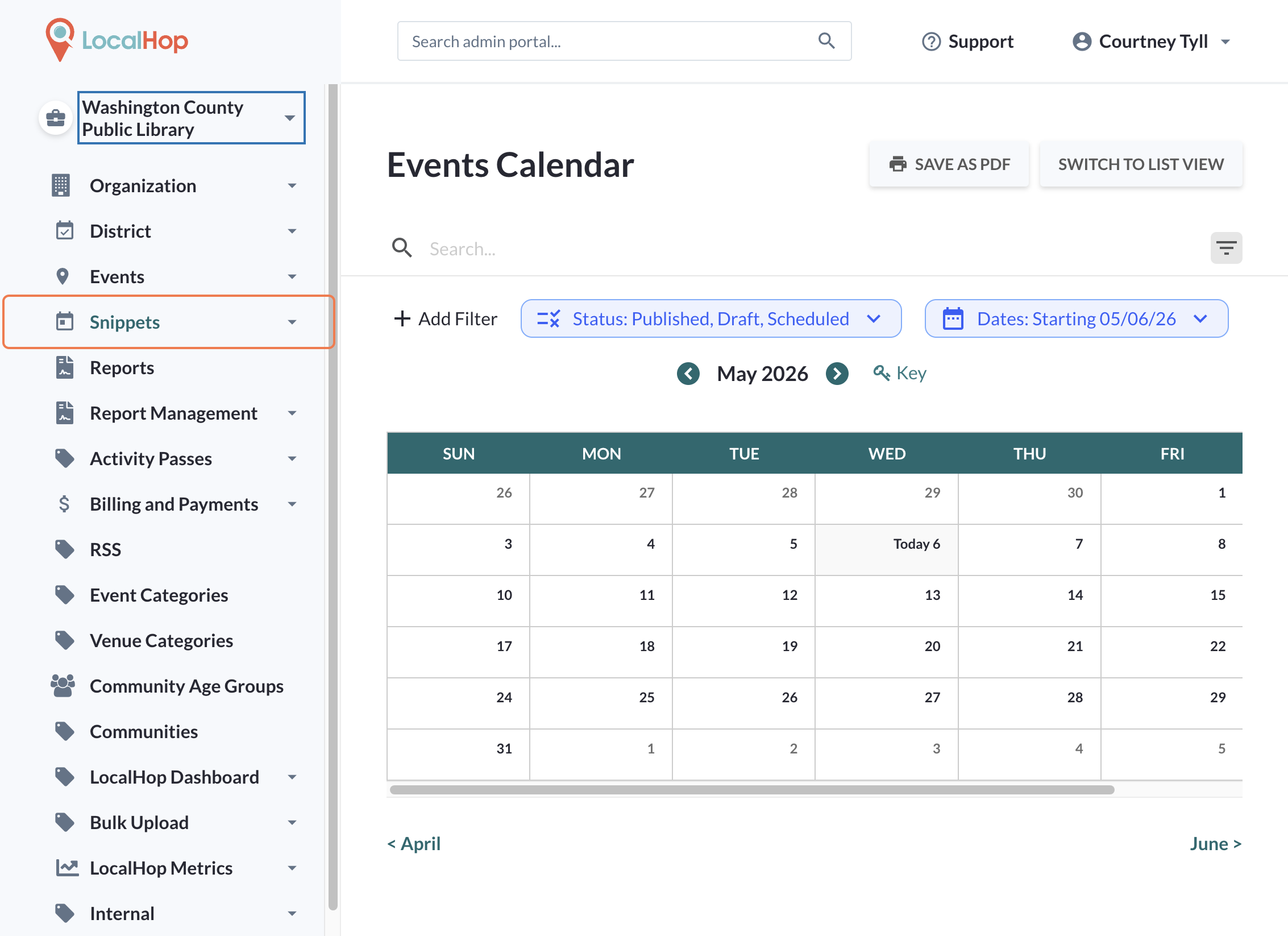
Access your Snippets:
Step 3:
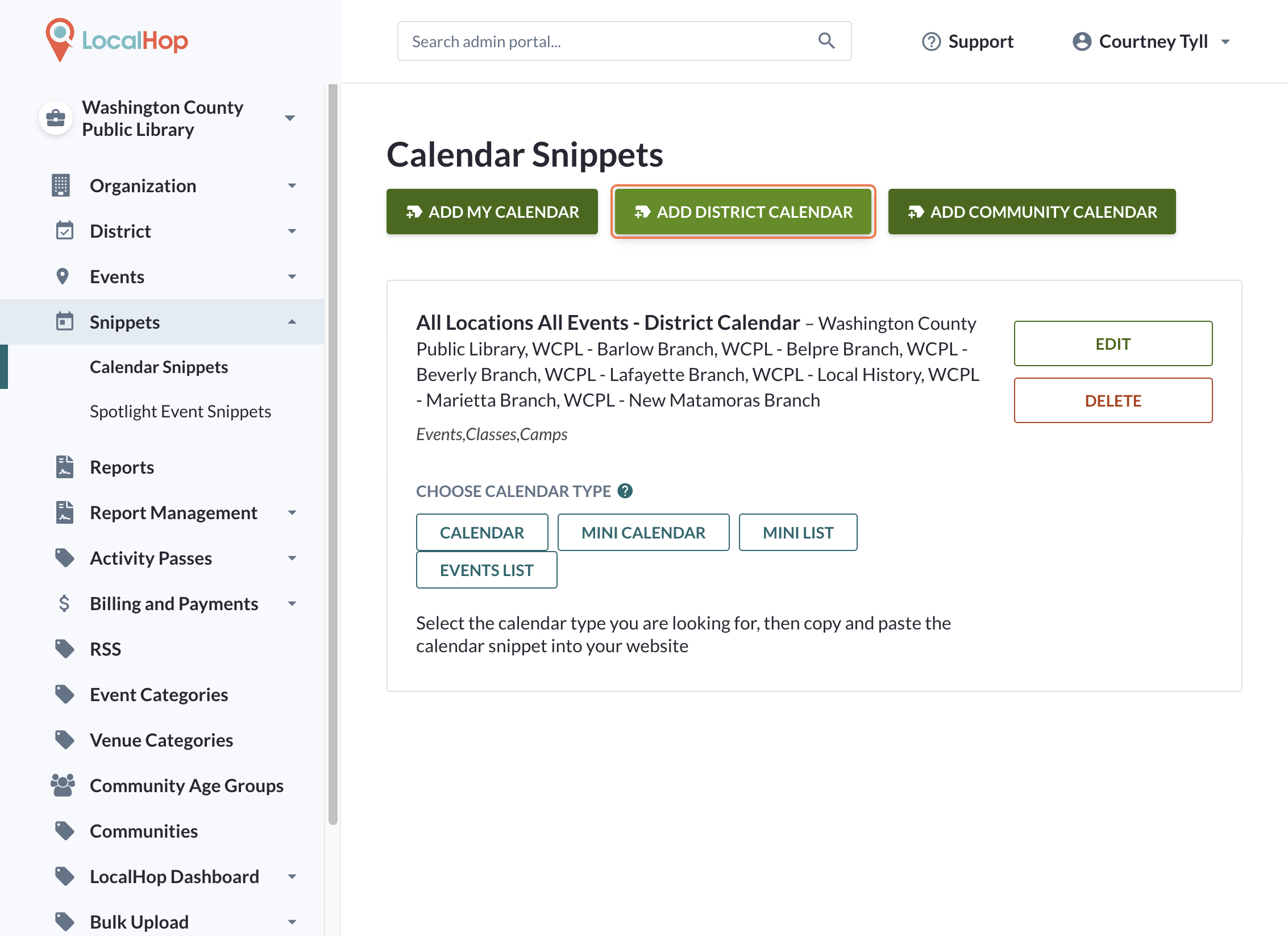
Click on ADD DISTRICT CALENDAR
Note: If a district calendar already exists, you will see it in your list.
Step 4:
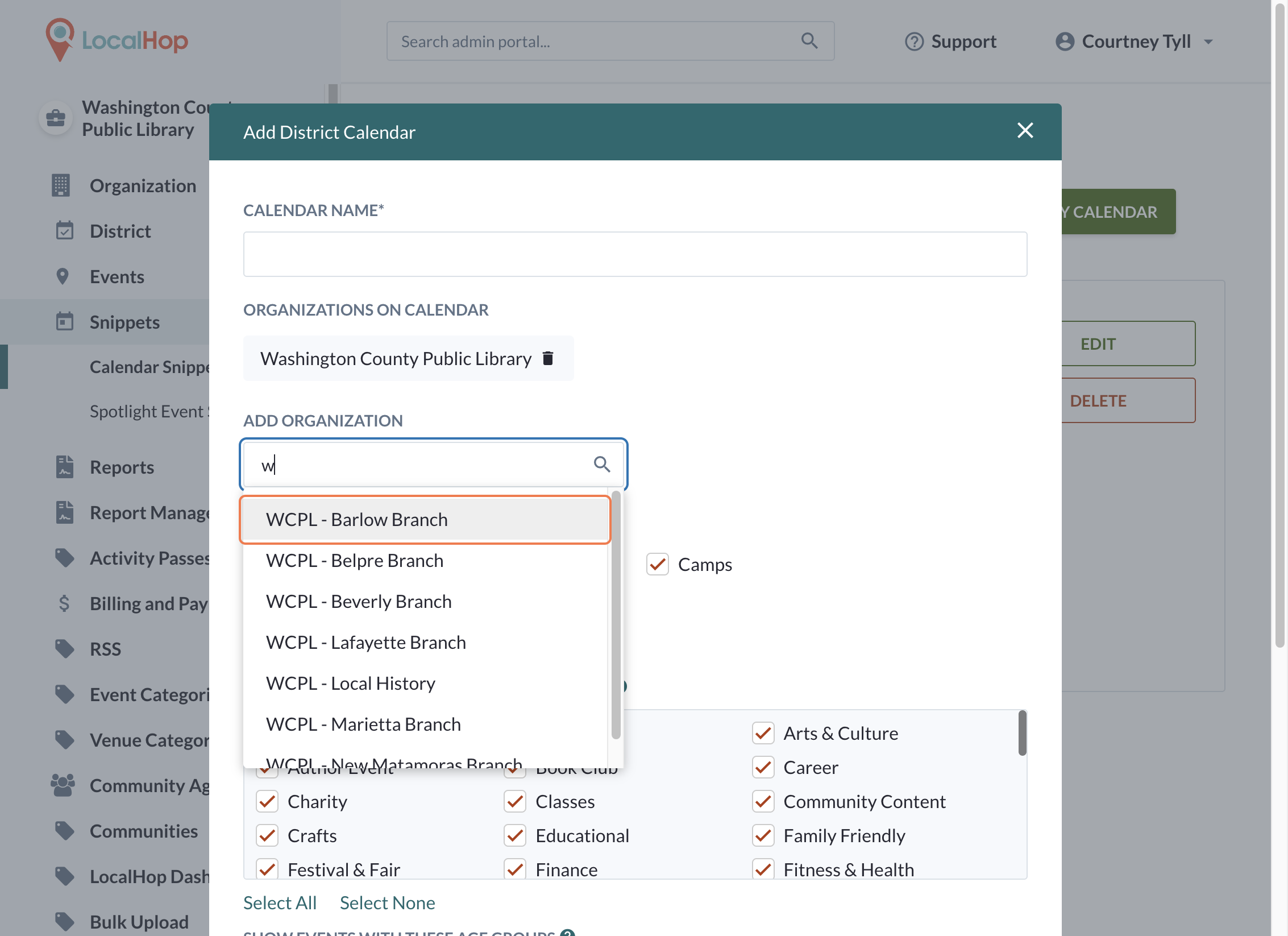
Search the list for available branches to add to this calendar.
Step 5:
From there, you can choose the calendar type you want to display. Then copy and paste the script onto your website.